Pika Labs vs Haiper free AI video India 2026: Best Completely Free Text‑to‑Video Tools (No Subscriptions)
Estimated reading time: ~11 minutes
Key Takeaways
- “Free” tiers have limits—expect credit caps, short clip lengths, resolution limits, and watermarks in 2026.
- Pika Labs vs Haiper: Pika shines for stylized anime/3D edits; Haiper wins on realism and speed for quick B‑roll.
- Genmo excels at abstract loops; Leonardo Motion is best for consistent image‑to‑video workflows.
- Students can mask watermarks with letterboxing or overlays and save data via low‑res drafts and Wi‑Fi batching.
- To scale beyond freebies, Studio by TrueFan AI offers avatars and localization for professional output.
In the rapidly evolving landscape of the Indian creator economy, which is projected to grow at a staggering CAGR of 20.6% through 2026, finding the right tools is essential. Specifically, choosing between Pika Labs vs Haiper free AI video India 2026 has become a critical decision for budget-conscious creators and students. As the demand for high-quality, short-form content on platforms like YouTube Shorts and Instagram Reels explodes, the quest for a “best free AI video generator no watermark India” continues to drive search trends.
1. India 2026 Reality Check: What “Free” Actually Means
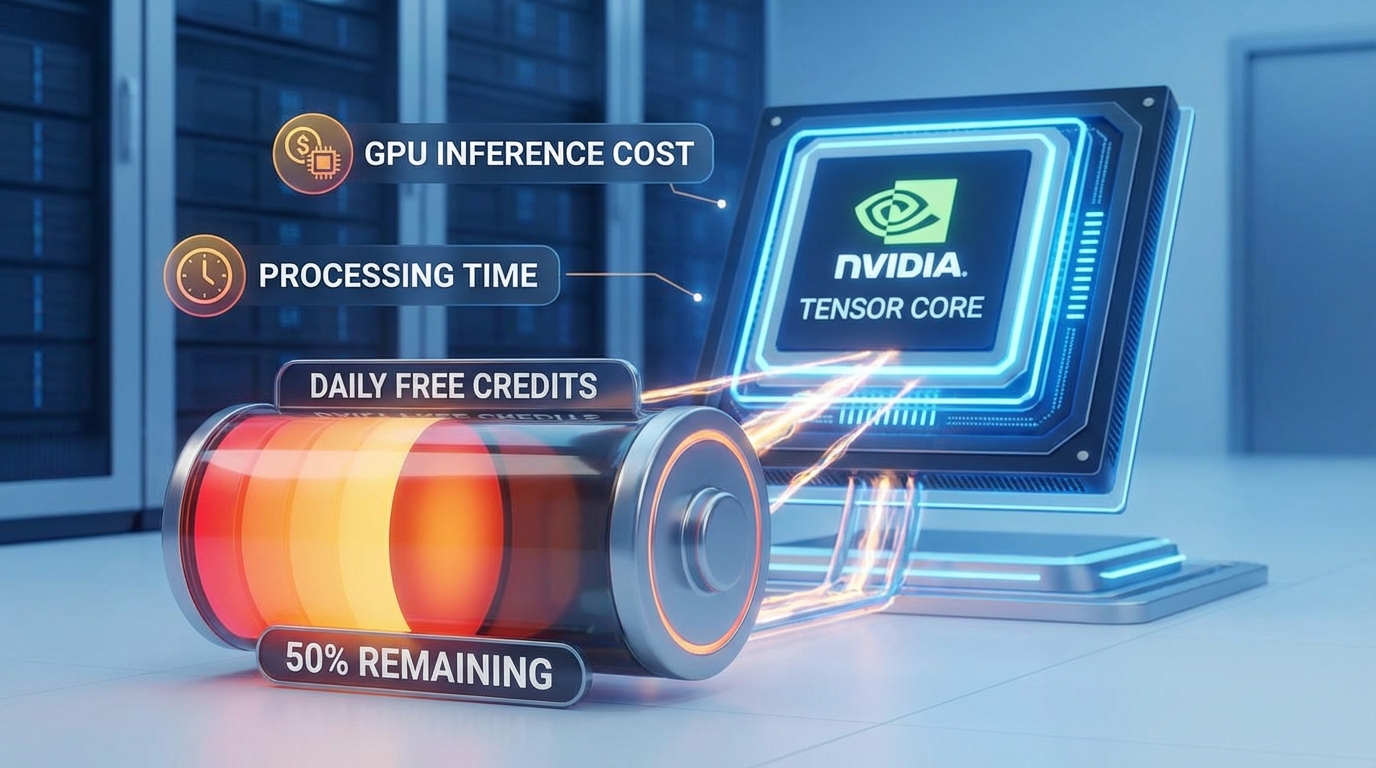
As we navigate 2026, the definition of “free” in the AI video space has shifted. While the global AI video generator market is expected to hit $847 million this year, the underlying GPU inference costs remain a significant hurdle for developers. According to recent reports from Analytics India Magazine, generating just one minute of high-fidelity video can take up to 12 minutes on high-end hardware like the NVIDIA H100, making “unlimited free” access a logistical impossibility for most startups.
For the Indian student or hobbyist, a “free plan” typically translates to:
- Daily or Monthly Credit Caps: Most tools offer 30 to 100 credits per month, enough for roughly 10–20 short clips.
- Clip Length Restrictions: Expect 2 to 4 seconds of video per generation, often extendable by spending more credits.
- Resolution Limits: Free tiers usually default to 480p or 720p, with 1080p and 4K upscaling locked behind paywalls.
- The Watermark Reality: Almost every “completely free text to video” tool in 2026 includes a visible watermark. Truly watermark-free exports are rare and usually limited to one-time promotional trials.
Platforms like Studio by TrueFan AI enable creators to understand these limitations by providing professional-grade alternatives when free tools hit their ceiling. While the dream of a “free AI video generator unlimited India” remains largely a myth due to the high cost of compute, understanding how to maximize these free credits is the key to success in 2026.
Sources:
- Grand View Research: India AI Video Generator Market Outlook 2026–2033
- Analytics India Magazine: OpenAI Sora compute realities
- TrueFan Blog: Genmo AI Review India Free 2026
2. Head‑to‑Head: Pika Labs vs Haiper Comparison India 2026
When comparing Pika Labs and Haiper, Indian creators must weigh creative flexibility against ease of use. Both platforms have upgraded their models significantly for the 2026 season, but they serve different niches in the creator workflow.
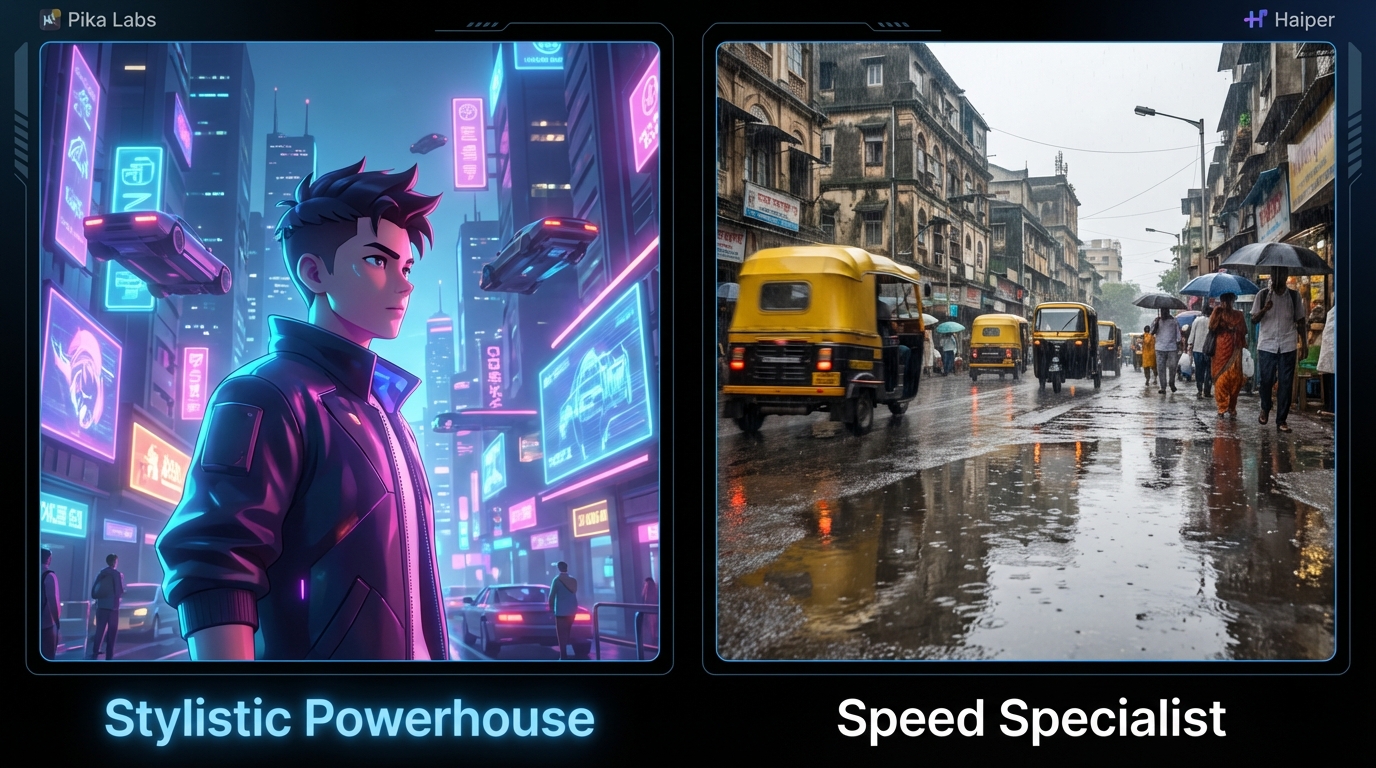
Pika Labs: The Stylistic Powerhouse
Pika Labs remains a favorite for those seeking “cinematic” flair. Its 2026 update, Pika 2.1, has introduced better temporal stability and a more robust “Video-to-Video” feature.
- Free Tier: Pika offers a replenishing credit system. While it includes a watermark, the community-driven nature of its Discord and web interface allows for rapid inspiration.
- Strengths: Exceptional at anime styles, 3D renders, and “Lip Sync” (though often limited on free plans). It handles complex camera movements like “pan” and “zoom” with higher precision than most competitors.
- India Context: Pika’s web interface is relatively light on data, making it accessible for creators using 4G/5G mobile hotspots in Tier 2 cities.
Haiper: The Speed Specialist
Haiper has positioned itself as the most beginner-friendly “text to video AI free 2026” contender. Its UI is stripped of complexity, focusing on “one-click” generations.
- Free Tier: Haiper provides a daily allowance of credits. Like Pika, the free tier includes a watermark, but its “Membership” tiers are often priced competitively for the Indian market, occasionally offering regional discounts via UPI.
- Strengths: Haiper 2.0 excels at realistic textures and lighting. If you need a quick 2-second clip of a “Mumbai monsoon street” with realistic reflections, Haiper often gets it right on the first prompt.
- India Context: Haiper’s FAQ explicitly mentions their watermark policy, which is a standard hurdle for those seeking a “best free AI video generator no watermark India.”
The Verdict: If you are a student making highly stylized anime edits or creative B-roll, Pika Labs is your best bet. If you are a marketer needing quick, realistic product shots or “vibe” clips for background loops, Haiper’s speed and realism win out.
Sources:
- Pika Art: Pricing and tiers
- Haiper AI: FAQ and watermark policy
- Tom’s Guide: 5 best AI video generators compared
3. Genmo AI Review India Free & Leonardo Motion
Beyond the big two, Genmo AI and Leonardo Motion offer specialized workflows that are often overlooked in the “Pika Labs vs Haiper free AI video India 2026” debate. Read the detailed head‑to‑head: Leonardo Motion vs Pika Labs.
Genmo AI: The King of Abstract Loops
Genmo AI, powered by the Mochi 1 model lineage, is perhaps the most underrated “free B-roll generator AI India.” It excels at creating motion that feels organic and fluid.
- Genmo vs Pika Quality Comparison: In our 2026 shootout, Genmo outperformed Pika in “abstract motion graphics” and “seamless loops.” However, Pika maintained a lead in “character consistency” and “narrative storytelling.” See: Genmo vs Pika quality comparison.
- Free Experience: Genmo’s “Play” area allows for generous experimentation, though watermarks remain the standard for free exports. It is particularly useful for creating background textures for YouTube explainers.
Leonardo Motion: Image-to-Video Excellence
Leonardo.ai is no longer just for images. Their “Motion” feature allows you to take a high-quality still—perhaps one generated with their free daily credits—and add subtle, professional movement.
- Leonardo Motion vs Pika Labs: While Pika is a “Text-to-Video” first platform, Leonardo is “Image-to-Video” first. For Indian creators who want to ensure their characters look exactly the same across clips, generating the image first in Leonardo and then adding motion is a superior workflow. Deep dive: Leonardo Motion vs Pika Labs.
- ROI for Creators: For those needing professional-grade output, Studio by TrueFan AI’s 175+ language support and AI avatars (see Real-time Interactive AI Avatars India) provide a level of polish that free tools often lack, especially when moving from B-roll to spokesperson-led content.
Sources:
4. Free B‑roll Generator AI India: Step‑by‑Step Student Workflow
For students in India working with “no subscription AI video tools,” the goal is to create a professional look without spending a Rupee. Here is a proven 2026 workflow to generate high-quality B-roll for your projects.
Step 1: The “Hinglish” Prompt Strategy
AI models in 2026 are better at understanding regional context. Instead of generic prompts, use descriptive, localized language to get better results.
- Example Prompt: “Cinematic close-up of a steaming cutting chai glass on a wooden table, Mumbai rain in the background, soft bokeh, 4k, highly detailed, 24fps.”
- Why this works: Specificity reduces the “hallucination” rate of the AI, saving you precious free credits.
Step 2: Managing the Watermark
Since a “best free AI video generator no watermark India” is hard to find, students must get creative.
- The 16:9 to 2.35:1 Crop: Generate your video in 16:9. In your editor (like CapCut or VN), apply a “Cinematic Letterbox” (black bars on top and bottom). This often masks the watermark located in the corners.
- Overlay Graphics: Place your social media handle or a “Lower Third” graphic over the watermark area.
Step 3: Data-Saving for Mobile Users
With 5G data caps becoming more common in India, generating video can be a drain.
- Draft in Low Res: Always use the “fast” or “low-res” setting for your first few iterations.
- Batch in Wi‑Fi Zones: Use your college Wi‑Fi to run generations and download clips. Avoid “upscaling” until you are certain the clip is a keeper.
Solutions like Studio by TrueFan AI demonstrate ROI through automated localization and high-retention avatar videos, which can be a logical next step for students who transition into professional freelancing or agency work.
5. Pika Labs Tutorial Hindi: 10‑Minute Beginner Walkthrough
For our Hindi-speaking audience, here is a quick guide to mastering Pika Labs in 2026.
- Account Setup: Pika.art par jayein aur Google account se sign-in karein. Free tier select karein jisme aapko daily credits milenge.
- Text-to-Video (Hindi Context): Prompt box mein apna idea likhein. Agar aapko “Indian wedding” ka scene chahiye, toh likhein: “Traditional Indian wedding decor, marigold flowers, soft sunlight, cinematic slow motion.”
- Parameters Ka Use:
-motion 2(kam movement ke liye) ya-ar 16:9(YouTube ke liye) commands ka use karein. - Image-to-Video: Agar aapke paas koi photo hai, toh use upload karein aur “Modify” button dabayein. Yeh feature B-roll ke liye sabse best hai.
- Export: Video generate hone ke baad “Download” icon par click karein. Yaad rakhein, free version mein Pika ka watermark rahega.
By following this “Pika Labs tutorial Hindi” approach, creators can minimize trial-and-error and maximize their daily free output.
Sources:
6. Quality Shootout: Genmo vs Pika Quality Comparison
For a detailed breakdown, see the full analysis: Genmo vs Pika quality comparison.
| Category | Pika Labs (2.1) | Haiper (2.0) | Genmo (Mochi 1) |
|---|---|---|---|
| Photorealism | 7/10 | 9/10 | 6/10 |
| Temporal Stability | 8/10 | 7/10 | 8/10 |
| Style Variety | 9/10 | 6/10 | 7/10 |
| Free Credit Value | Medium | High | High |
| Watermark Size | Small/Corner | Medium/Corner | Small/Corner |
Key Findings:
- Haiper is the winner for realistic human skin tones and lighting, making it ideal for “lifestyle” content.
- Pika Labs is the undisputed king of “Anime” and “Cyberpunk” aesthetics.
- Genmo is the most stable for long, sweeping landscape shots without “warping” artifacts.
For creators looking to scale, the transition from these experimental tools to a structured platform is vital. While Pika is great for hobbyists, Studio by TrueFan AI is the preferred choice for Indian enterprises needing scalable, high-quality AI video with licensed avatars and full compliance.
Conclusion
The battle of Pika Labs vs Haiper free AI video India 2026 is not about which tool is “better,” but which fits your specific workflow. For students and budget creators, the strategy should be to “tool-hop”—using the free credits of Pika, Haiper, and Genmo in rotation to build a diverse library of B-roll. As the Indian creator economy continues its 20% annual growth, mastering these “budget-free AI video tools” today will prepare you for the high-production world of tomorrow.
Sources:
- Goldman Sachs: Creator Economy 2027 Outlook
- Digit India: What is Wan 2.1?
- TrueFan AI Product Studio Details
Recommended Internal Links
- Genmo vs Pika quality comparison: Which AI video wins?
- Leonardo Motion vs Pika Labs: Free Text-to-Video Showdown
- Generative Video AI Shootout: Google Veo vs Sora 2026
- YouTube Shorts editor Android India: Budget AI picks
- Real-time Interactive AI Avatars India: Live Video Chat
- MLOps Video Production Infrastructure at Enterprise Scale
- Enterprise Video Analytics Platform: ROI and Attribution
Frequently Asked Questions
Is there a free AI video generator unlimited India in 2026?
No. Due to the extreme costs of GPU compute, no reputable platform offers “unlimited” high-quality video for free. Most provide freemium access with daily or monthly credit caps, short clip durations, and watermarks.
Which is better for students: Pika Labs or Haiper for free AI video?
Pika Labs is better for stylized, creative edits such as anime or cyberpunk. Haiper is stronger for quick, realistic B‑roll and product shots, thanks to its speed and photorealistic lighting.
How can I get a best free AI video generator no watermark India?
Truly watermark‑free tools are rare on free tiers. Consider ethical techniques like cinematic letterboxing or tasteful overlays to mask corners, or upgrade to paid plans for watermark removal and commercial rights.
Does Genmo AI free add a watermark?
Yes. Genmo’s free tier includes a watermark on exports. Removing it typically requires a paid subscription or higher plan.
Can I use these free AI videos for my monetized YouTube channel?
It depends on each tool’s Terms of Service. Many free tiers restrict usage to personal or non‑commercial projects. For monetized channels, check licensing and consider paid plans for commercial rights.
How does Studio by TrueFan AI compare to these free tools?
While Pika and Haiper focus on general B‑roll and artistic clips, Studio by TrueFan AI specializes in spokesperson‑led videos with licensed influencer avatars and 175+ language support, making it suitable for marketing, education, and enterprise use.



